
Tachograph · remote download
The tachograph downloads itself. The truck stays on the road.
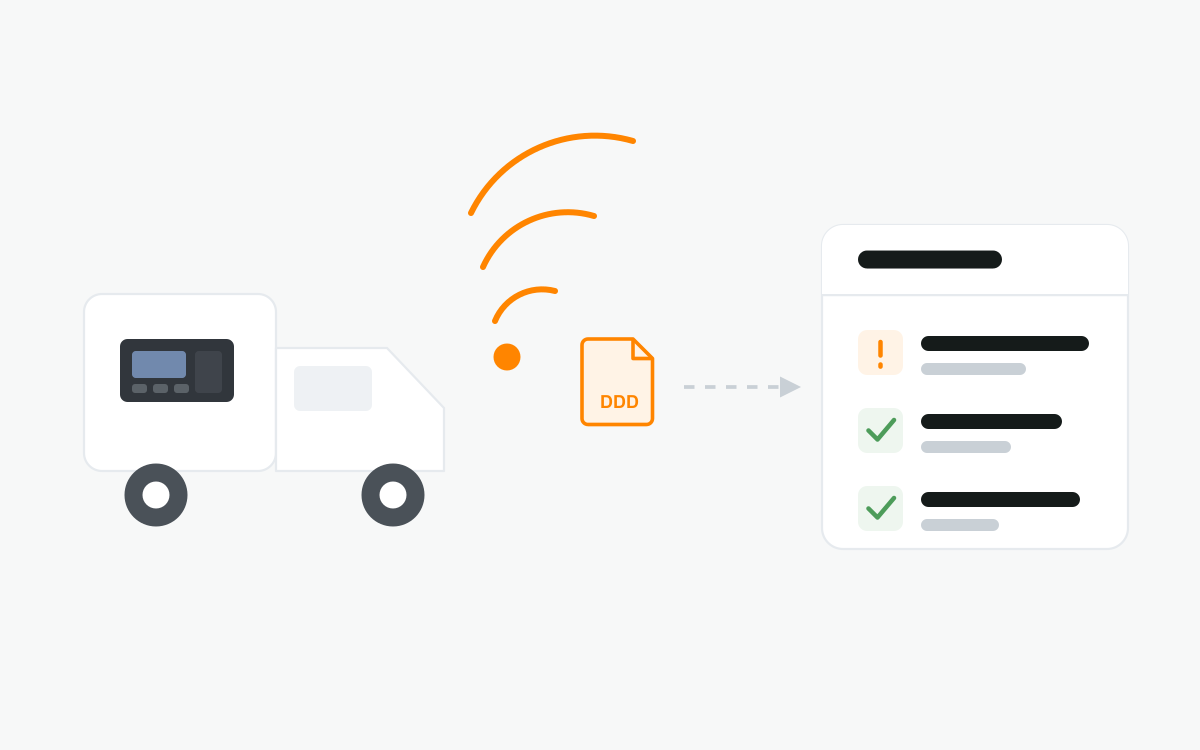
Driver card and vehicle unit files come off the tachograph over the mobile network, on a schedule you set. No cable, no USB stick, no trip back to the depot.
Works over D8 and CAN · DDD files · Full GPS tracking on the same device
What you get
- Remote download
Files come off the tachograph over the mobile network, with nobody in the vehicle.
- Driver card
Driving, other work, availability and rest, per driver, in the standard format.
- Vehicle unit
The full mass memory: speed, distance, events and faults, whoever was driving.
- On a schedule
Every 28 and 90 days, or whatever interval you set. It runs without being asked.
- D8 and CAN
Connects to almost every tachograph in service, so a mixed fleet is not a problem.
- Ready for inspection
A complete archive in DDD format, kept centrally rather than on a stick in a drawer.
- Straight to analysis
Files download from the platform or go on to the software you already use.
- A tracker as well
The same device gives you live position, route history, geofences and CAN data.
What is downloaded
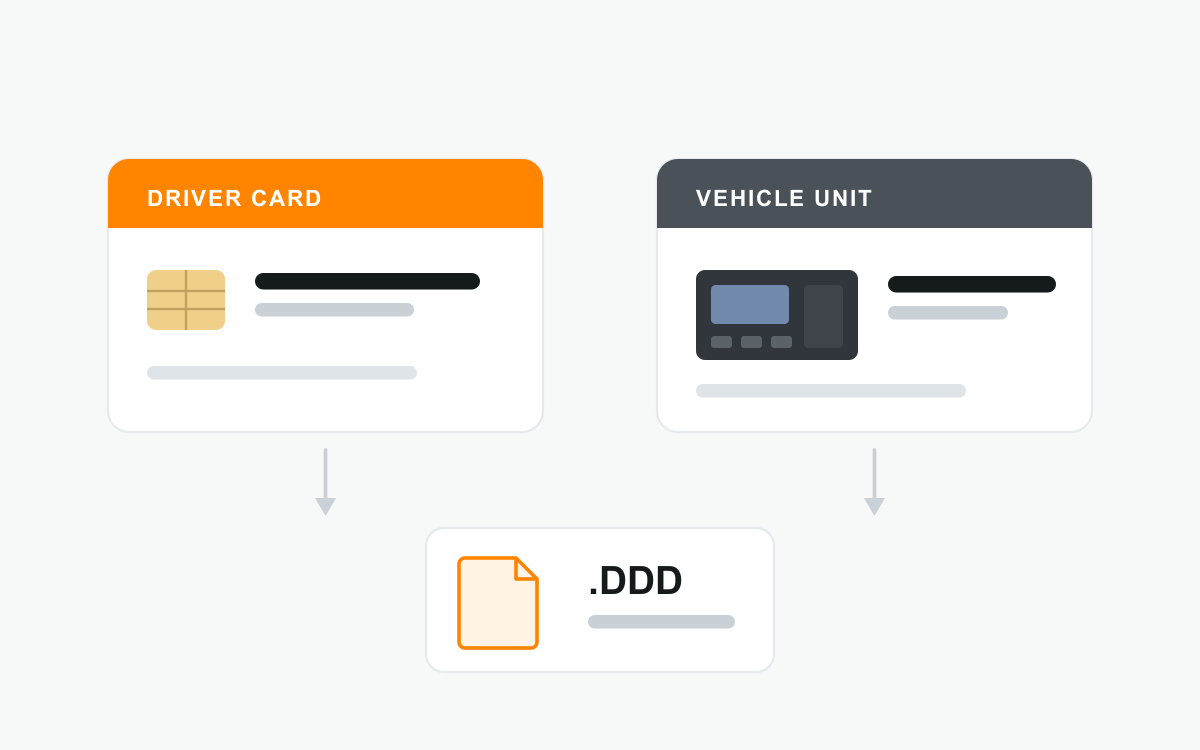
Two separate records, with two separate deadlines. The driver card holds what one person has done — driving, other work, availability and rest — and travels in their pocket. The vehicle unit holds what the tachograph in that vehicle recorded, whoever was driving it: speed, distance, events and faults.
Both come out as DDD files, the standard format that analysis and inspection software reads. The intervals commonly applied in the EU are every 28 days for the driver card and every 90 days for the vehicle unit — confirm what applies to your operation, because national rules differ and your analysis provider may want them more often than the law does.
How it works
A telematics unit is fitted in the vehicle and connected to the tachograph, over the D8 (K-Line) connector or over the CAN interface. At the time you set, it reads the file and sends it over the mobile network.
Nothing is asked of the driver. The card stays where it is and the download runs in the background, including while the vehicle is moving. Remote download has to be authorised with a valid company card; that is set up once, when the system is commissioned.
Why fleets stop doing it by hand
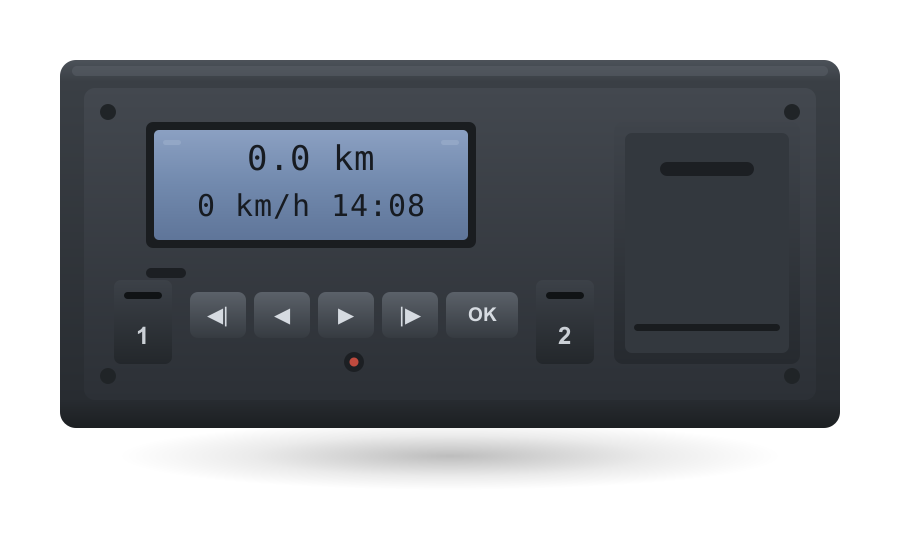
A manual download means the vehicle has to be where the laptop is. For a truck three days from home that is a real cost, and a deadline that gets missed for reasons that have nothing to do with compliance.
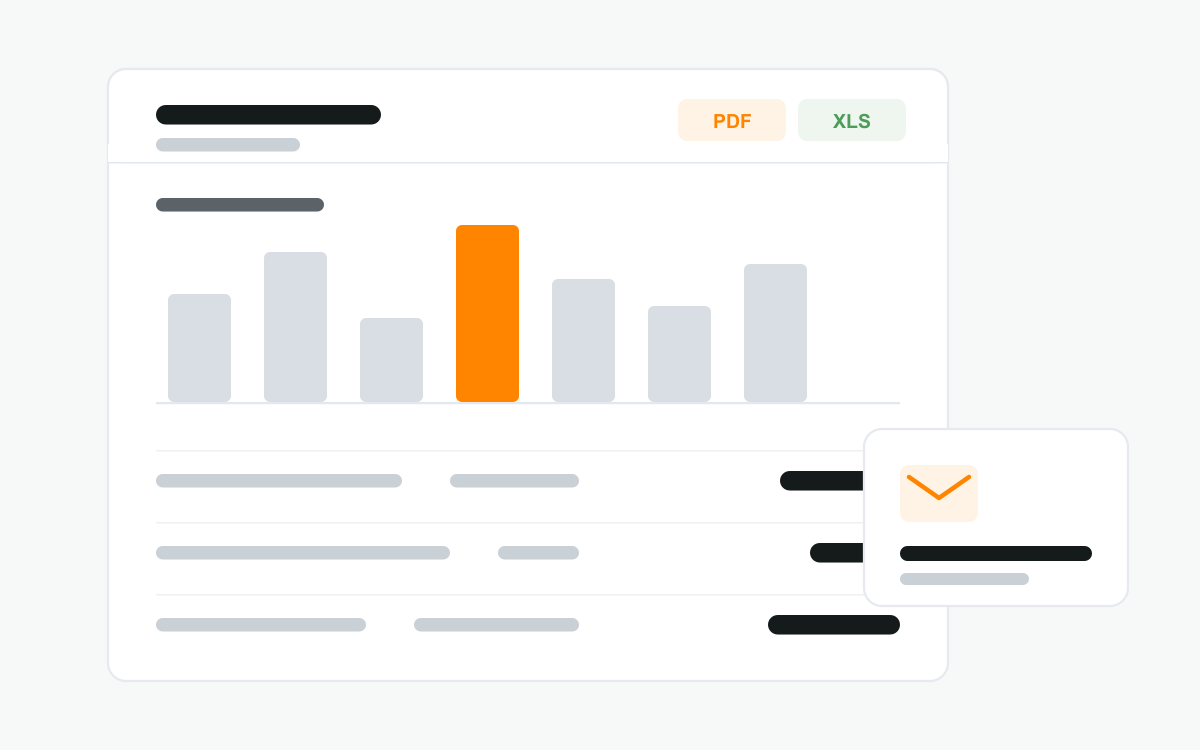
Done remotely the schedule runs on its own, per vehicle and per driver. Files are stored centrally instead of on a stick in a drawer, the archive is complete when an inspector asks for it, and driving and rest time can be checked while it still means something — not weeks later.
One device, not two
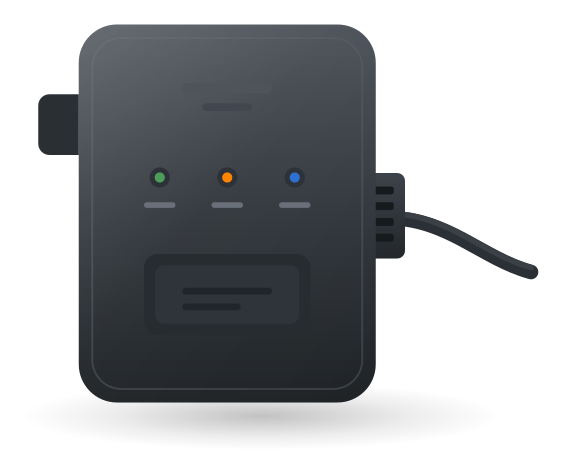
The unit that pulls the tachograph data is a full telematics terminal. Alongside the tachograph it reads J1939 and J1708 on heavy trucks, light-vehicle CAN and DTC fault codes, and supports driver identification, temperature sensors and fuel level probes.
So the same box gives you live position, route history, geofences, alerts and fuel — on the same platform, with one subscription and one installation.
What is needed
- a digital tachograph in the vehicle, connected over D8 / K-Line or CAN
- our device fitted and wired to it — we do the installation
- a valid company card, so the download is authorised
- a Geooco account, where the files are collected
Frequently asked questions
Does the driver have to do anything?
No. The card stays where it is and the download runs in the background, including while the vehicle is moving.
Will it work with our tachographs?
Almost certainly — the device covers both the D8 and the CAN interface, which between them cover the tachographs in service today. Send us the make and model and we will confirm before anything is ordered.
What happens if the vehicle is out of coverage?
The tachograph keeps its own record regardless. The download is retried and the file is taken once the vehicle is back on the network.
Do we still need a company card?
Yes. Remote download does not replace the card — it is what authorises the download.
Can we track the vehicle with the same device?
Yes. Position, route history, geofences, driving behaviour and CAN data from the vehicle, on the same unit and the same platform.
Request a quote
Tell us how many vehicles have a tachograph and which make they are, and we will put together a quote with an exact price per vehicle.
Or call +389 2 306 1625 — Kairska 6, Skopje.